Archive Management System Definition
An archive management system (AMS) is software that helps organisations organise, describe, preserve, and provide access to records of long-term value, including inactive records, digital assets, and historical documents. It applies archival standards, hierarchical description, controlled vocabularies, and role-based access, so collections stay discoverable, authentic, and usable over time.
What does an archive management system do?
An archive management system gives your organisation one controlled place to catalogue, store, protect, and retrieve records of lasting value. An archival system, as it is sometimes called, keeps everything your users need to locate together with the context that makes it meaningful.
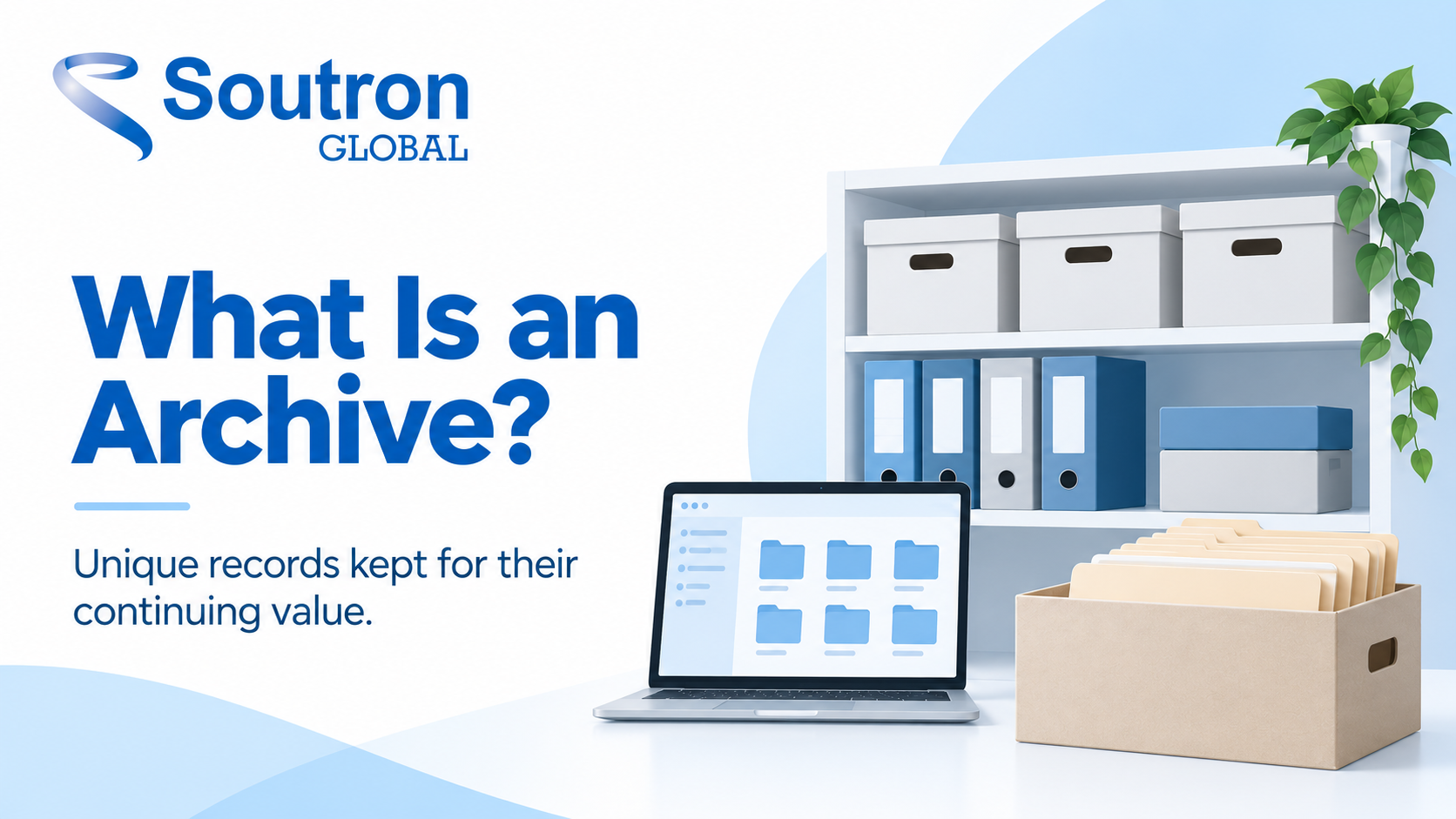
If you are new to the field, it helps to start with what an archive is: a curated body of records kept for their enduring value. The materials inside an archive vary widely. They could be journals, reports, records, images, articles, objects, rare items, audio-visual materials, eBooks, or any other kind of document your users need to access. All are managed as digital or physical assets within the same system.
To make that possible, the system provides a core set of functions:
- Cataloguing and description, so every item is recorded consistently and can be found again.
- Controlled vocabularies and thesauri, so the same subject is always tagged the same way.
- Search and a public-facing search portal, so staff, members, researchers, or the general public can explore the collection.
- Access and copyright controls, so you regulate exactly who can see or download specific materials.
- Preservation tool availability for both physical items and digital files, so records survive loss, damage, and format obsolescence.
How does an archive management system work?
It organises material in a hierarchy that mirrors how archives are really structured. Every archiving system worth the name arranges records into levels rather than a flat folder of files. The classic structure runs fonds, then series, then file, then item.
A fonds is the whole body of records created by one organisation, family, or person. Series group related activities within it. Files sit inside series, and items are the individual documents, photographs, or recordings.
Why does this matter? Because context is part of the record. A single memo means little on its own; the same memo, sitting inside the board correspondence series of a company’s founding department, tells a story. Modern archival systems preserve those relationships, not just the individual file.
A simple example makes it concrete. A company archive might group records by department (fonds level), then by year or function (series level), then by individual reports and correspondence (file and item level). When a researcher finds one document, the system shows them where it sits and what surrounds it, which is exactly what a shared drive cannot do.
Archive management system vs DMS, DAMS, CMS, and records management: what’s the difference?
These systems overlap, but each is built for a different job, and choosing the wrong one is one of the most common mistake organisations make. The table below sets out the differences at a glance.
| System | What it manages | Main goal | Best suited to |
|---|---|---|---|
| Archive management system (AMS) | Records of long-term or historical value, physical and digital | Preserve context, provenance, and long-term access | Archives, museums, corporate and heritage collections |
| Document management system (DMS) | Active, everyday business documents | Day-to-day storage, editing, workflow | Offices managing live files |
| Digital asset management (DAMS) | Digital media files (images, video, audio) | Store, organise, and reuse rich media | Marketing, media, brand teams |
| Collections management system (CMS) | Objects and artefacts in a collection | Catalogue, track, and exhibit collection items | Museums and galleries |
| Records management system (RMS) | Business records under a retention schedule | Compliance, retention, defensible disposal | Regulated corporate, legal, government |
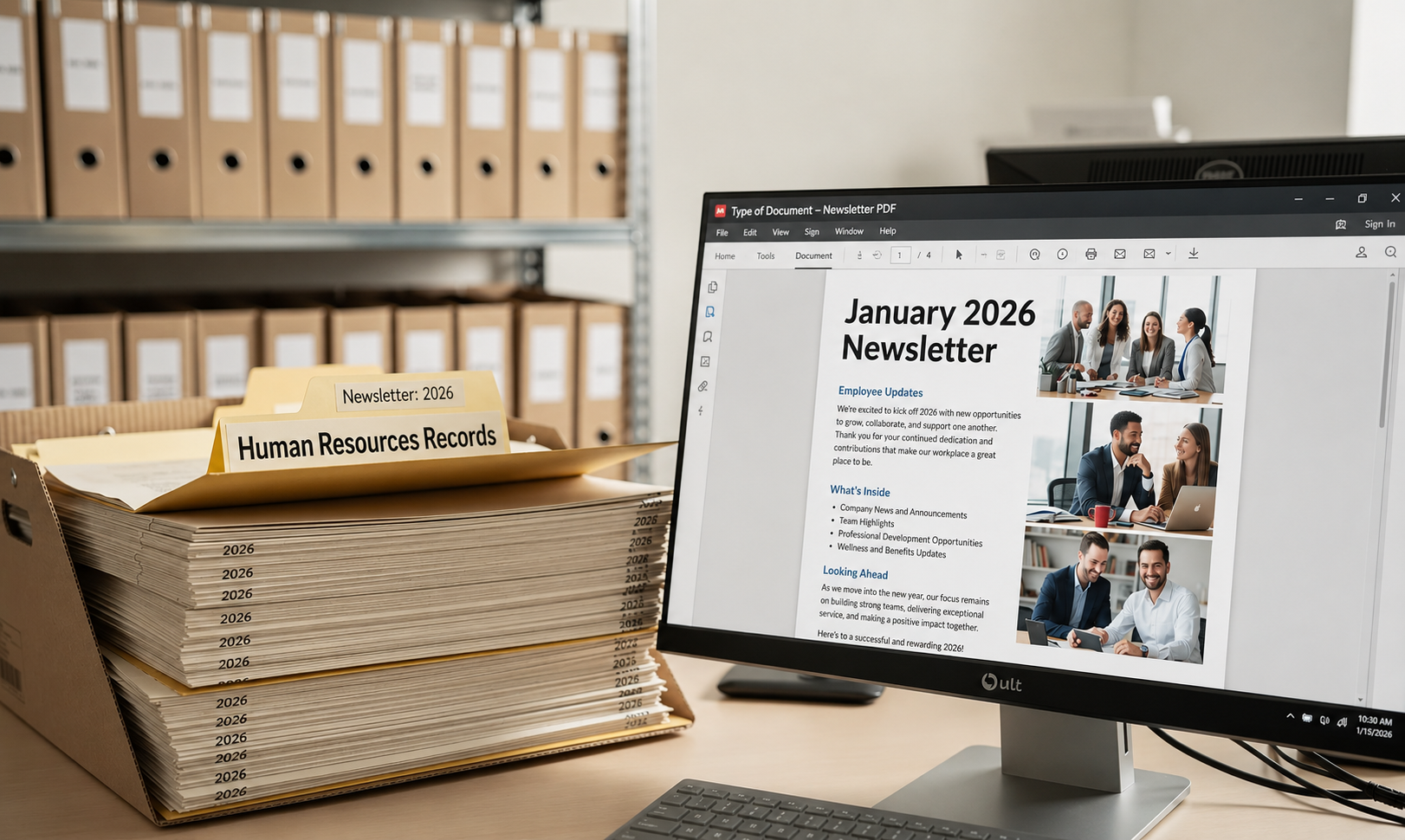
In practice, the lines blur. A DMS is occasionally called an archive document management system, and museums may describe their CMS as an archival collections management system. Read our blog article Choosing the Right Information Management Solution: From File Sharing and Database Storage to Digital Preservation to learn more.
Modern platforms increasingly combine capabilities: Soutron’s Cultural Asset Management System (CAMS) bridges museum, library, and archive needs, and organisations that hold both books and records can run combined library and archive management in a single system. The right question is not which label fits, but which records you must keep, how they must be catalogued, for how long, and for whom.
What are the stages of the archival records lifecycle?
Archival management runs across six recognised stages, and a good system supports every one of them. Understanding the lifecycle helps you see where an AMS fits into your wider information practice.
- Creation or receipt. Records are created by your organisation or received from outside it.
- Appraisal. Archivists decide what has enduring value and should be kept, and what can be disposed of.
- Acquisition and accession. Records are formally brought into the archive and their arrival is documented.
- Arrangement and description. Records are organised into a hierarchy and catalogued so they can be found. Description is the key step that makes collections discoverable.
- Optional digital preservation. Records are protected from loss, damage, and format obsolescence. For born-digital files, this overlaps with digital archiving, the process of keeping digital files usable over time.
- Access and use. Records are made discoverable and retrievable by authorised users, whether staff, researchers, or the public.
An archive management system carries records through these stages in one place. Accession registers, description templates, preservation tools, and the search portal all work from the same catalogue, so nothing falls between systems as records move from arrival to access.
What standards should an archive management system support?
Good systems follow recognised archival standards, so descriptions stay consistent, comparable, and shareable between institutions. A standards-based archival management system means your catalogue speaks the same language as the wider archival world.
| Standard | What it covers | Why it matters |
|---|---|---|
| ISAD(G) | General rules for archival description | Consistent, comparable descriptions across archives |
| DACS | Describing Archives: A Content Standard (US) | The US content standard for archival description |
| EAD | Encoded Archival Description | Machine-readable finding aids shareable online |
| Dublin Core | Core metadata elements | Simple, interoperable metadata across systems |
| ISAAR (CPF) | Descriptions of record creators | Captures who created records and their context |
| ISO 15489 | Records management standard | Governs retention where archives and records meet |
ISAD(G) is maintained by the International Council on Archives, and EAD by the Library of Congress. Soutron supports ISAD(G), ISAAR, Dublin Core, and more within a single application. Would you prefer to use your own style to structure content instead of ISAD(G)? That is supported too; standards should guide your archive, not constrain it.
Who uses an archive management system?
Any organisation holding records of lasting value benefits, not only museums and government bodies. Teams that must keep records for decades, and prove their authenticity throughout, rely on an archiving management system rather than shared drives.
Typical users include:
- Corporate archives preserving institutional history, brand assets, and governance records, sometimes alongside a data archiving system for born-digital corporate records.
- Government and public bodies managing records of public interest and legal standing.
- Museums and cultural institutions documenting collections and their provenance.
- Universities and research organisations holding institutional records and special collections.
- Legal, media, and pharmaceutical organisations in regulated industries where retention and evidential integrity matter.
For a closer look at how different sectors apply these tools, see the industries that benefit from archive management.
How do you choose the right archive management system?
Start from your collection and your users, not from feature lists. A few criteria separate systems that work for decades from systems you will outgrow:
- Standards support. Look for ISAD(G), Dublin Core, and ISAAR at minimum, with the flexibility to adapt them.
- A flexible hierarchical structure. The system should model fonds, series, and items the way your collection actually works, including defined relationships between series and sub-series.
- Controlled vocabularies and thesauri, so indexing stays consistent as the collection and the team grow.
- Role-based access controls, so copyright and confidentiality rules are enforced automatically.
- Physical and digital support in one catalogue, with location tracking for physical items.
- Proven migration support. Moving from a legacy system is a common worry, and understandably so; you have tweaked and honed your data for years. A good vendor manages migration as a structured series of projects, works within your parameters, and delivers your data to your standards.
- Deployment choice, whether cloud/SaaS or on-premise.
If you are comparing options and are ready to evaluate a solution, see our overview of archive management software. Important decisions shouldn’t be taken lightly, and a structured evaluation is the surest way to get this one right.
How Soutron approaches archive management
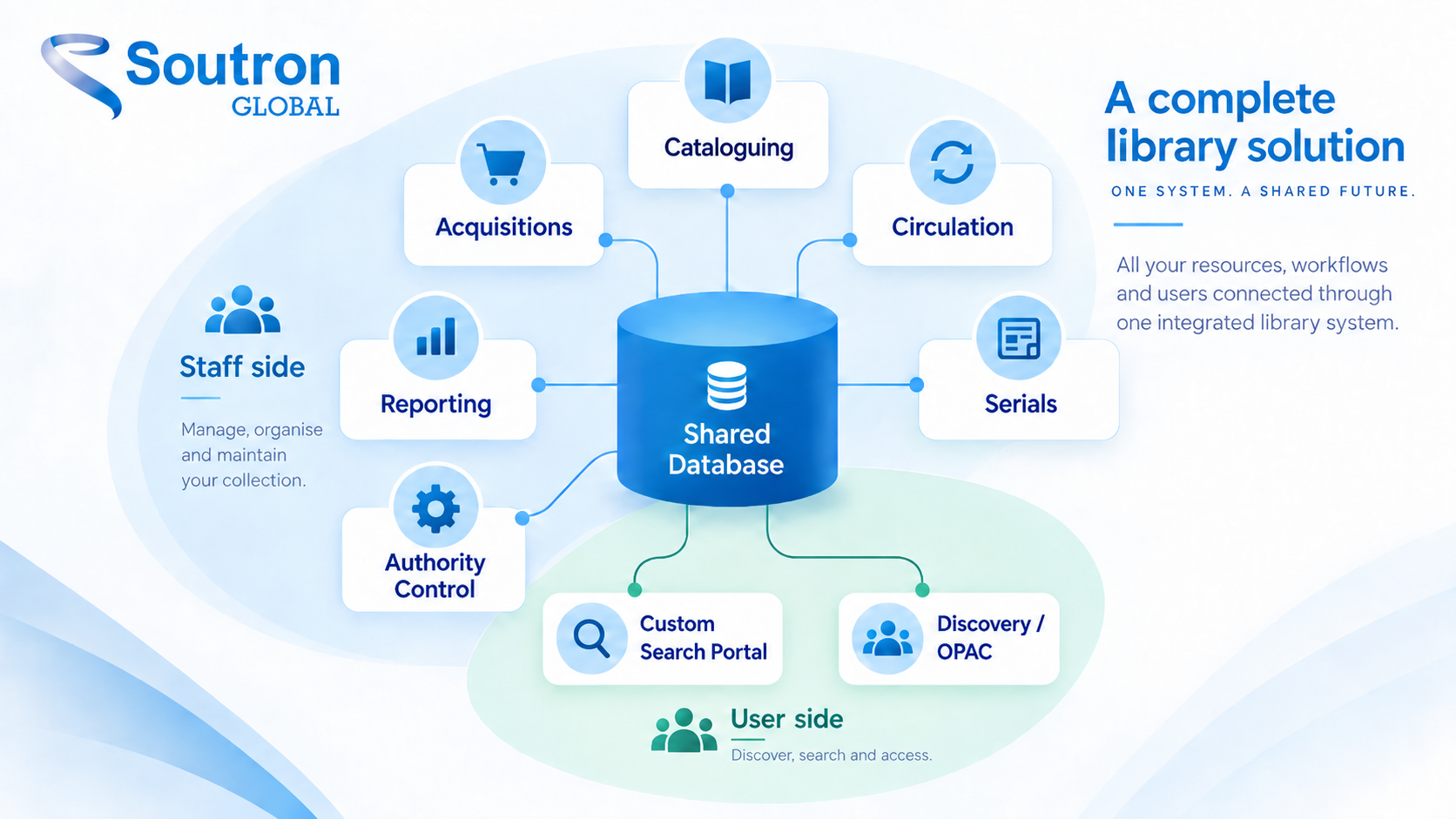
Soutron builds archive management around flexibility and standards, in one system for physical and digital collections. Customisable data structures and entry templates handle books, journals, images, photographs, audio-visual content, eBooks, and nearly any other format. Poly-hierarchical thesauri and controlled vocabularies keep indexing consistent. A mobile-friendly search portal offers facets, a date slider, full-text indexing, and a built-in PDF viewer, and a “book-a-time-to-view” feature manages access to rare items. Role-based and copyright controls regulate who sees what. Expert data migration, turnkey cloud hosting, and help-desk support remove the need for internal IT. An optional Trusted Digital Repository (TDR) provides complete digital preservation for born-digital items. Flexibility is in Soutron’s DNA!

What are archive management best practices?
Good tools only pay off when they sit on good practice. Four habits matter most:
- Define purpose and scope first. Be clear about what the archive is for and who it serves; every later decision flows from this.
- Build a consistent metadata strategy. Accurate, standardised description is what makes assets discoverable years later.
- Back up and plan for disaster recovery. Regular backups and secure storage protect assets and maintain continuity.
- Train your users. Documentation and ongoing training help archivists and stakeholders get full value from the system.
Frequently asked questions
What is an archive management system?
An archive management system is software for managing records with enduring value. It lets organisations catalogue, describe, preserve, and control access to physical and digital materials, using archival standards and hierarchical structures so collections remain organised, authentic, and easy to search over the long term.
What is the difference between an archive management system and a document management system?
An archive management system preserves records of long-term value along with their context, provenance, and relationships. A document management system manages active, everyday documents that staff create, edit, and share in daily work. Once documents stop changing but must be kept, they typically move from the DMS into the archive.
Is an archive management system the same as records management?
No. Records management controls active records against a retention schedule, focusing on compliance and defensible disposal. An archive management system takes over the records selected for long-term keeping and manages their description, preservation, and access. Many organisations run both, with records flowing from one to the other at the end of their retention period.
What is the difference between a CMS, a DAMS, and an archive management system?
A collections management system catalogues objects and artefacts, typically in museums and galleries. A digital asset management system organises media files such as images, video, and audio for reuse. An archive management system manages records of enduring value across all formats, with archival description, provenance, and preservation at its core.
What are the stages of the archival records lifecycle?
The lifecycle runs through six stages: creation or receipt, appraisal, acquisition and accession, arrangement and description, preservation, and access and use. Each stage builds on the last, and an archive management system supports all six from a single catalogue.
What standards should an archive management system support?
Look for support for ISAD(G) and DACS for archival description, EAD for machine-readable finding aids, Dublin Core for interoperable metadata, and ISAAR (CPF) for describing record creators. Where archives and active records overlap, ISO 15489 governs retention and records management practice.
What is the difference between archiving and backup?
A backup is a short-term copy made so data can be restored after loss or failure; it is temporary and regularly overwritten. An archive is the managed, long-term home for records with lasting value. Archived records are described, organised, and retained deliberately, with controlled access, so they can be found and trusted years or decades later.
Can an archive management system handle both physical and digital records?
Yes. A modern archive management system manages physical items, including location tracking and access requests for rare materials, alongside digital and born-digital files. Both are linked through shared descriptions in one catalogue, so users search a single system regardless of format.
There is a better way to manage your archive
If you would like to see how a standards-based archive management system could work for your collection, we would be glad to show you. Request a demo and let us earn your trust, or contact our team with any questions.
Prefer to read first? Download our guide, Setting Up a Business Archive.